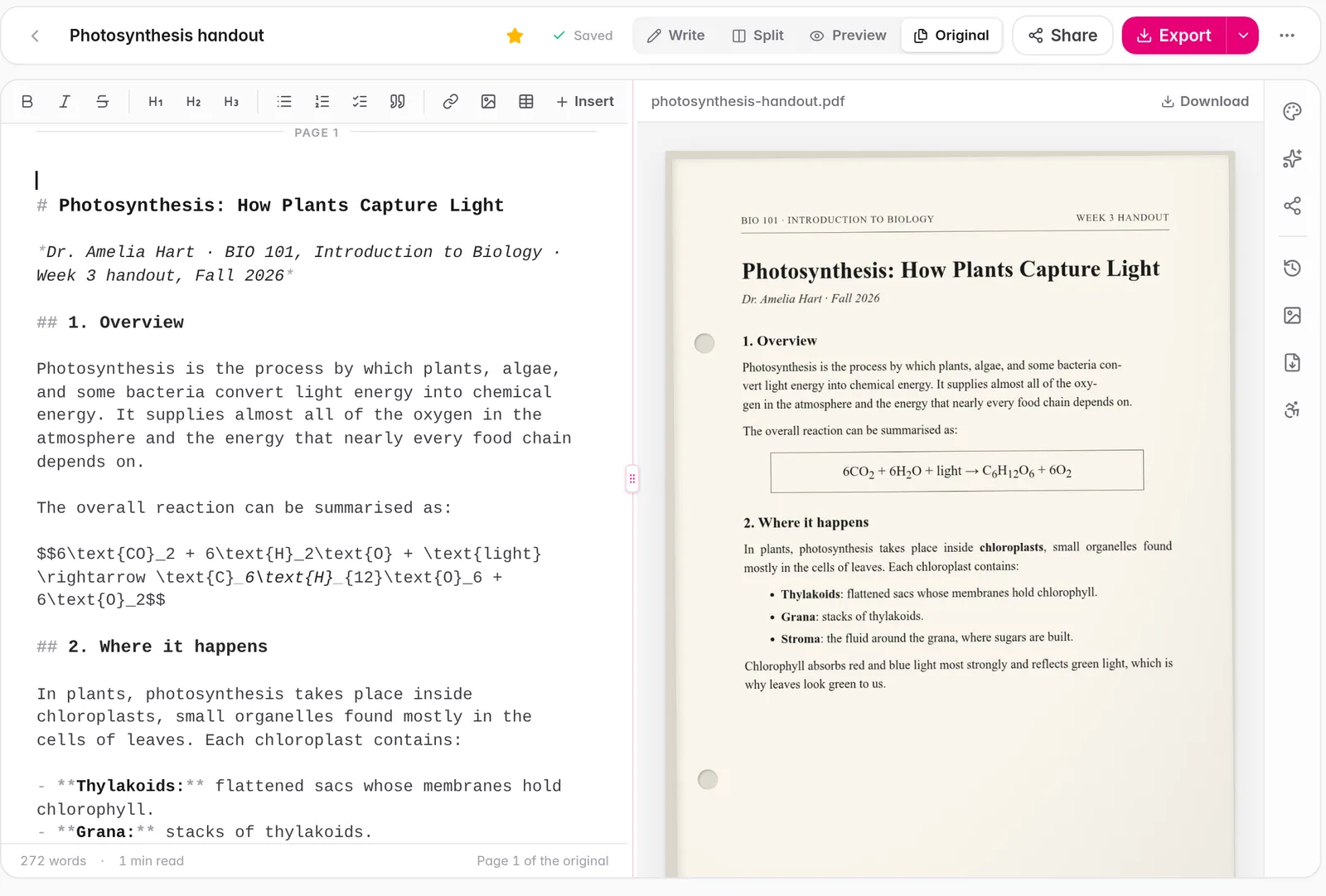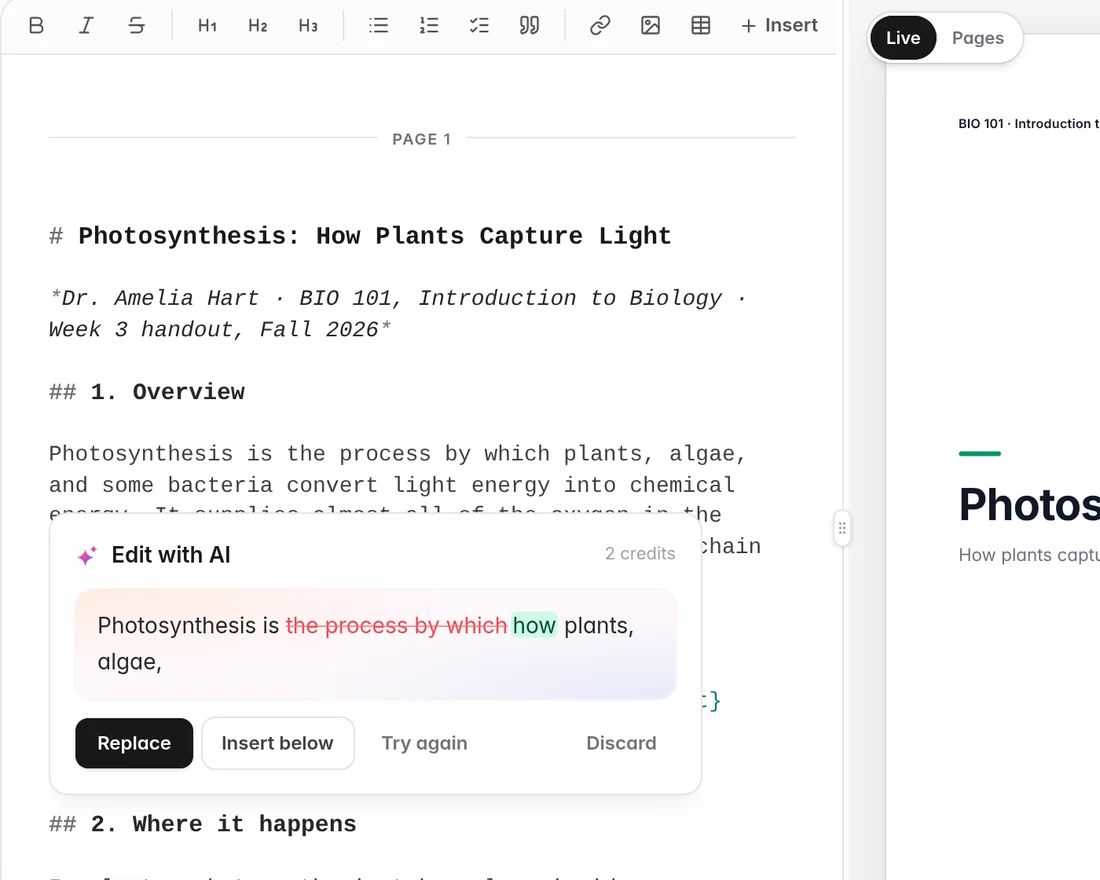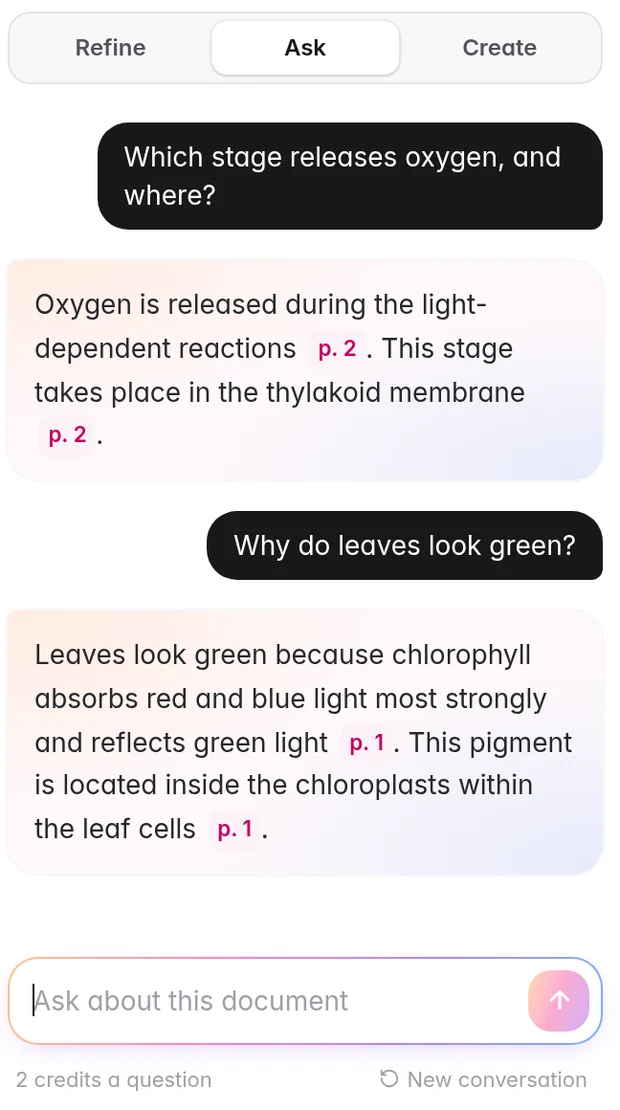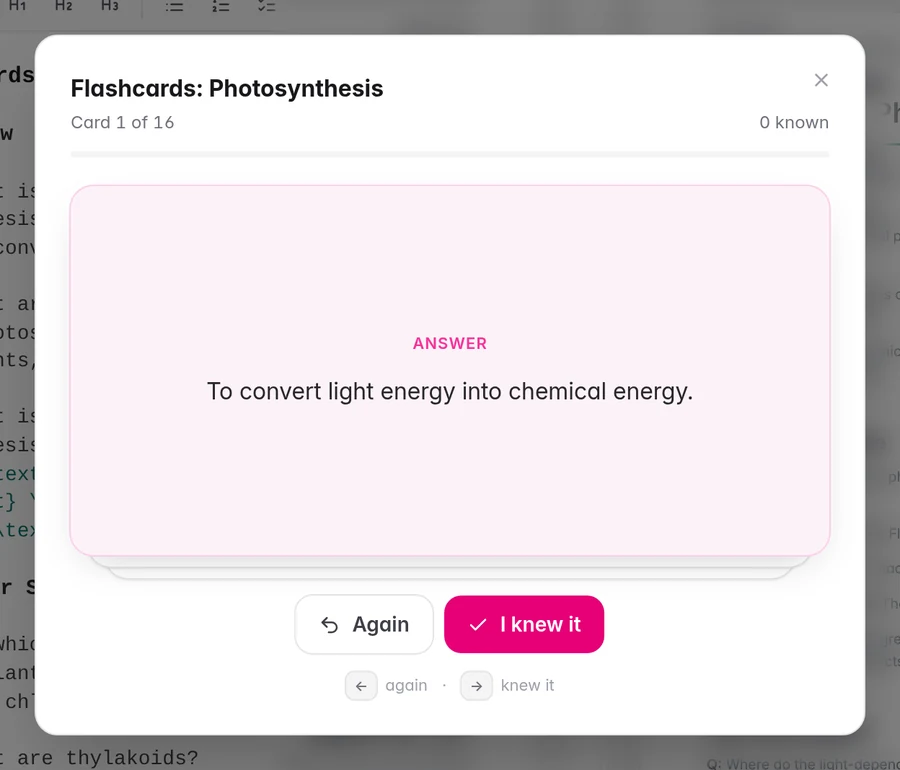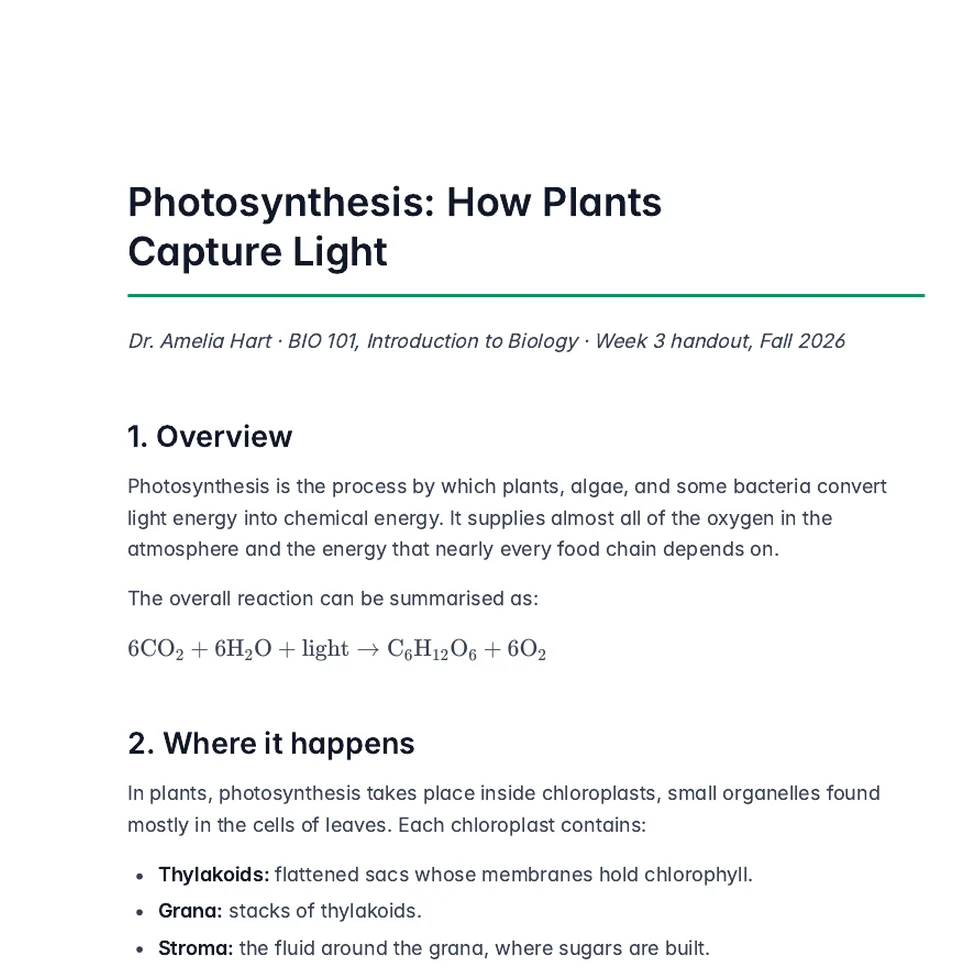
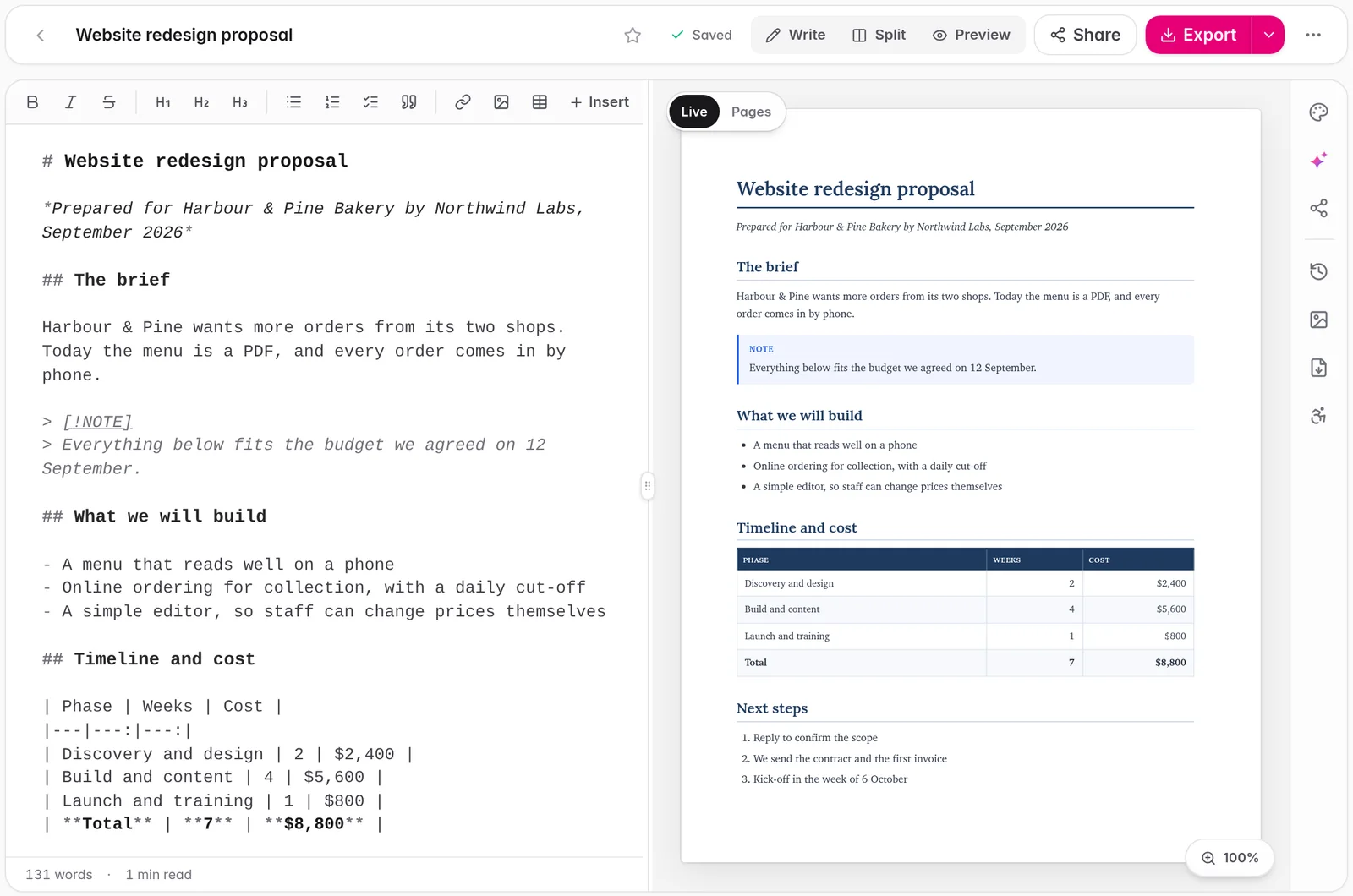
Drop in a PDF, DOCX, or PPTX. Lumidoc extracts every word with AI precision and delivers a polished, themed document in seconds.

Sound familiar?
The 100-page PDF you can't search, can't copy from, can't do anything with.
The handwritten notes from a lecture you barely remember, locked behind terrible scans.
The report that has all the right information but looks like it was formatted in a panic at 2 AM.
Lumidoc fixes all three.
How it works
Upload any PDF, DOCX, or PPTX. Scanned pages, handwritten notes, dense slide decks. It doesn't matter. Lumidoc's OCR reads everything: text, tables, images, formulas, diagrams. Nothing gets left behind.
Drop your file here
PDF · DOCX · PPTX
Optimization
No AI Cleanup
Clean, faithful extraction
AI Cleanup
Fix grammar & formatting
Optimized for Studying
Key terms & review structure
Key Points Only
Distill the essence
No AI Cleanup
Optimized for Studying
Key Points Only
Choose an optimization preset before processing, or skip it entirely for a clean, faithful extraction. You pick how smart the output should be.
Choose an optimization preset before processing, or skip it entirely for a clean, faithful extraction. "AI Cleanup" fixes grammar and formatting. "Optimized for Studying" highlights key terms. "Key Points Only" distills the essence. You pick how smart the output should be.
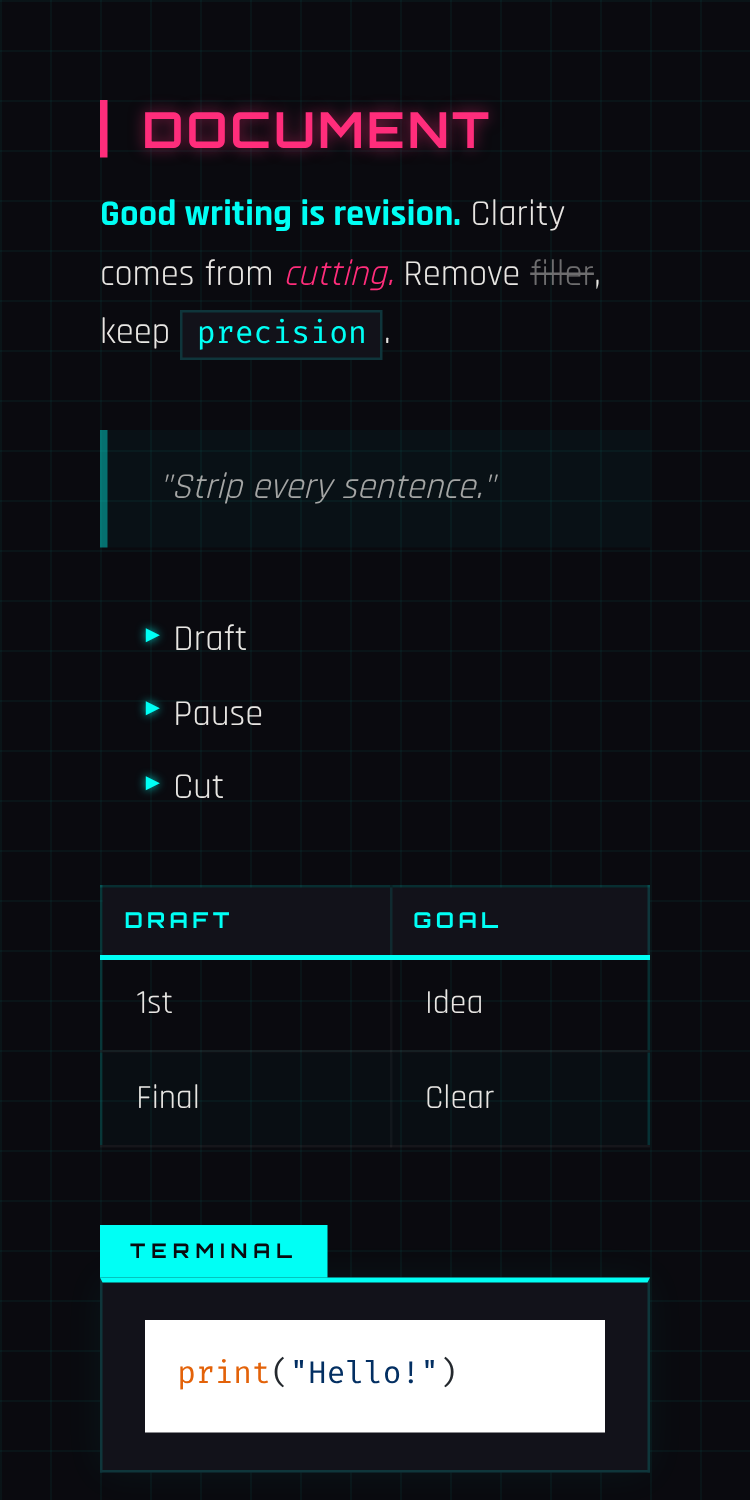
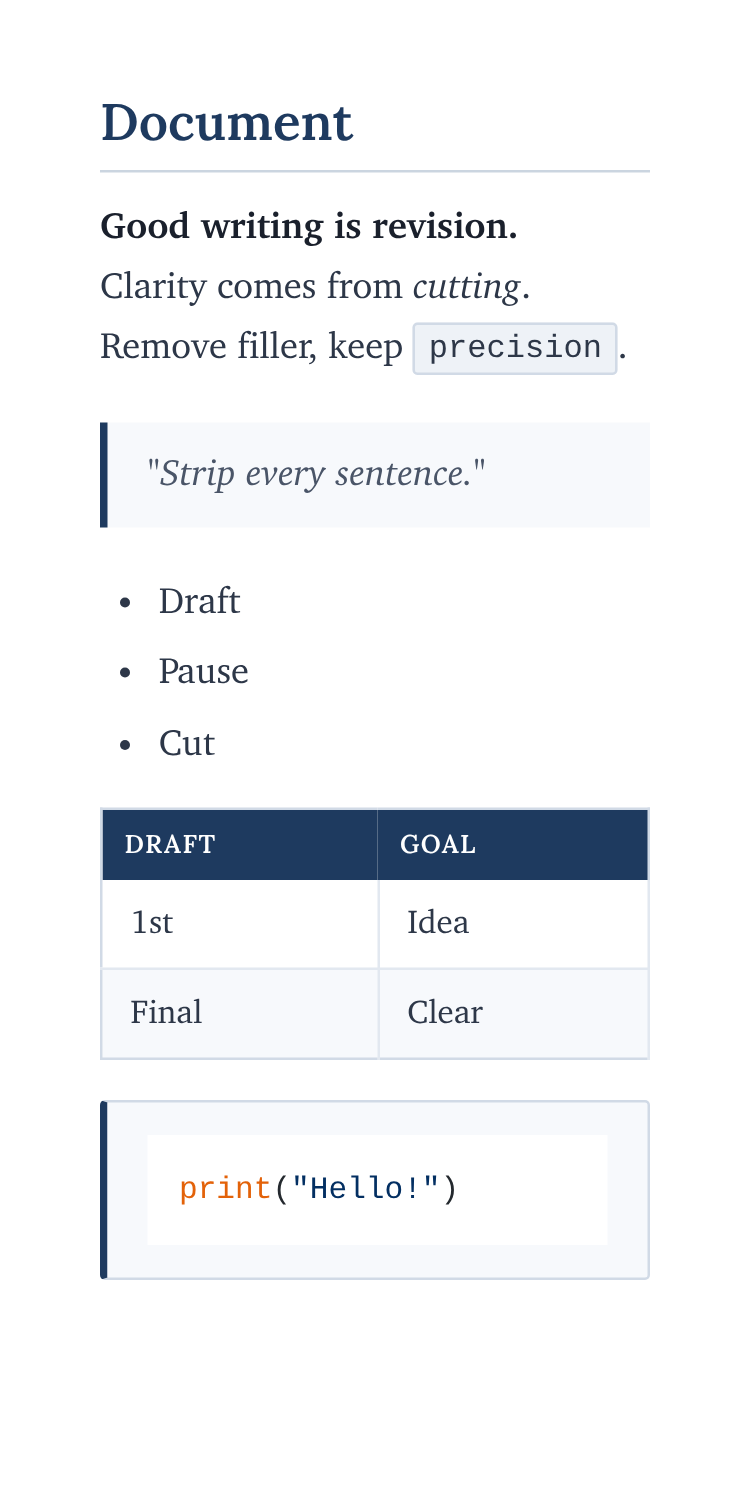
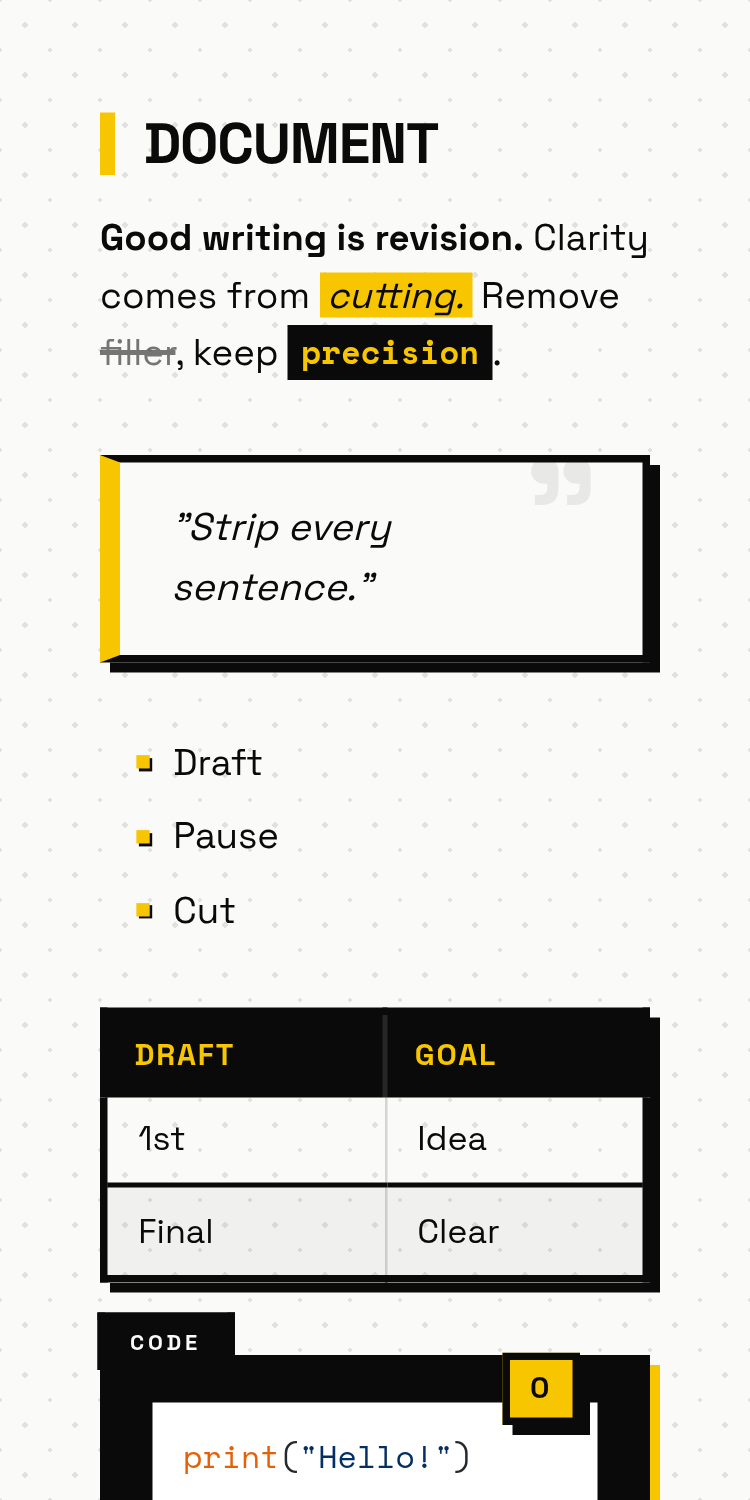
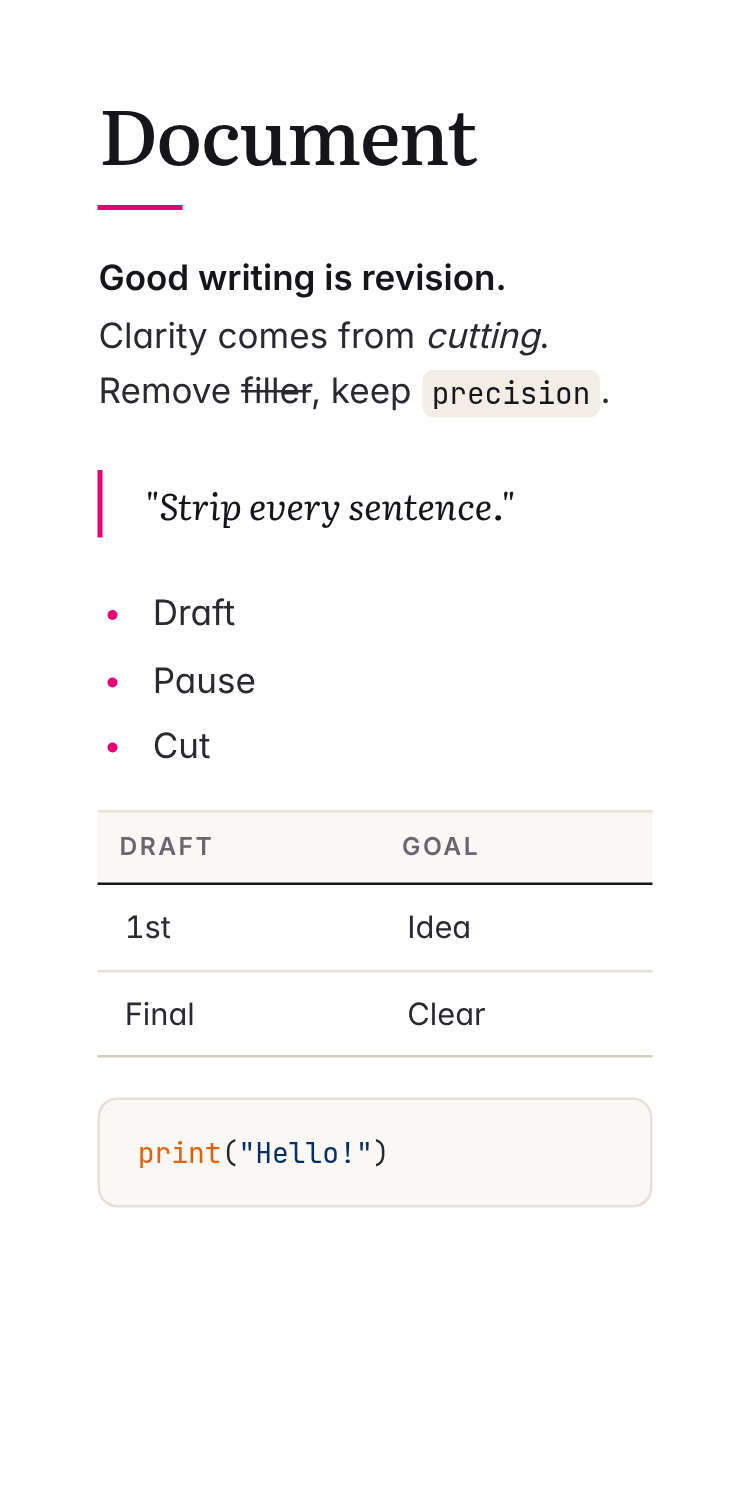
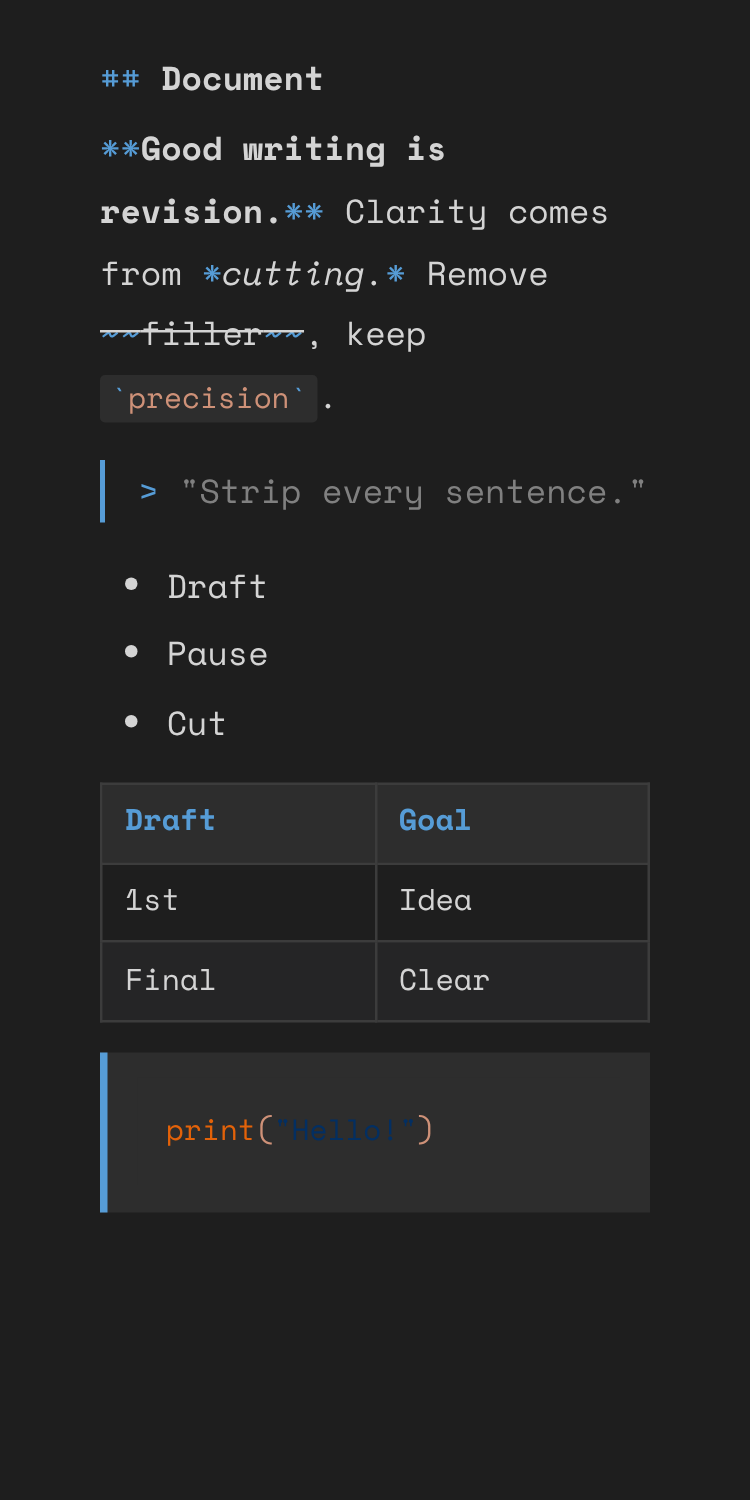
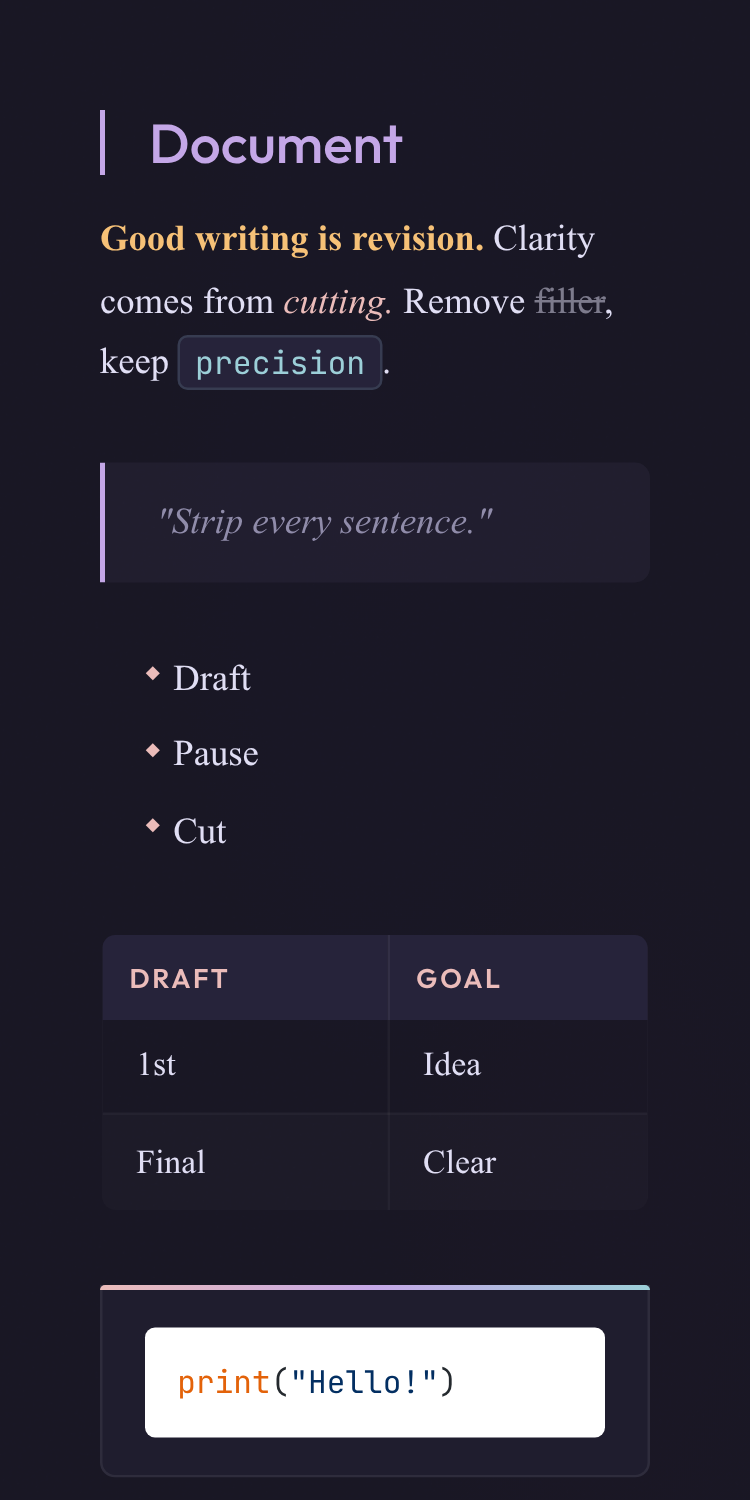
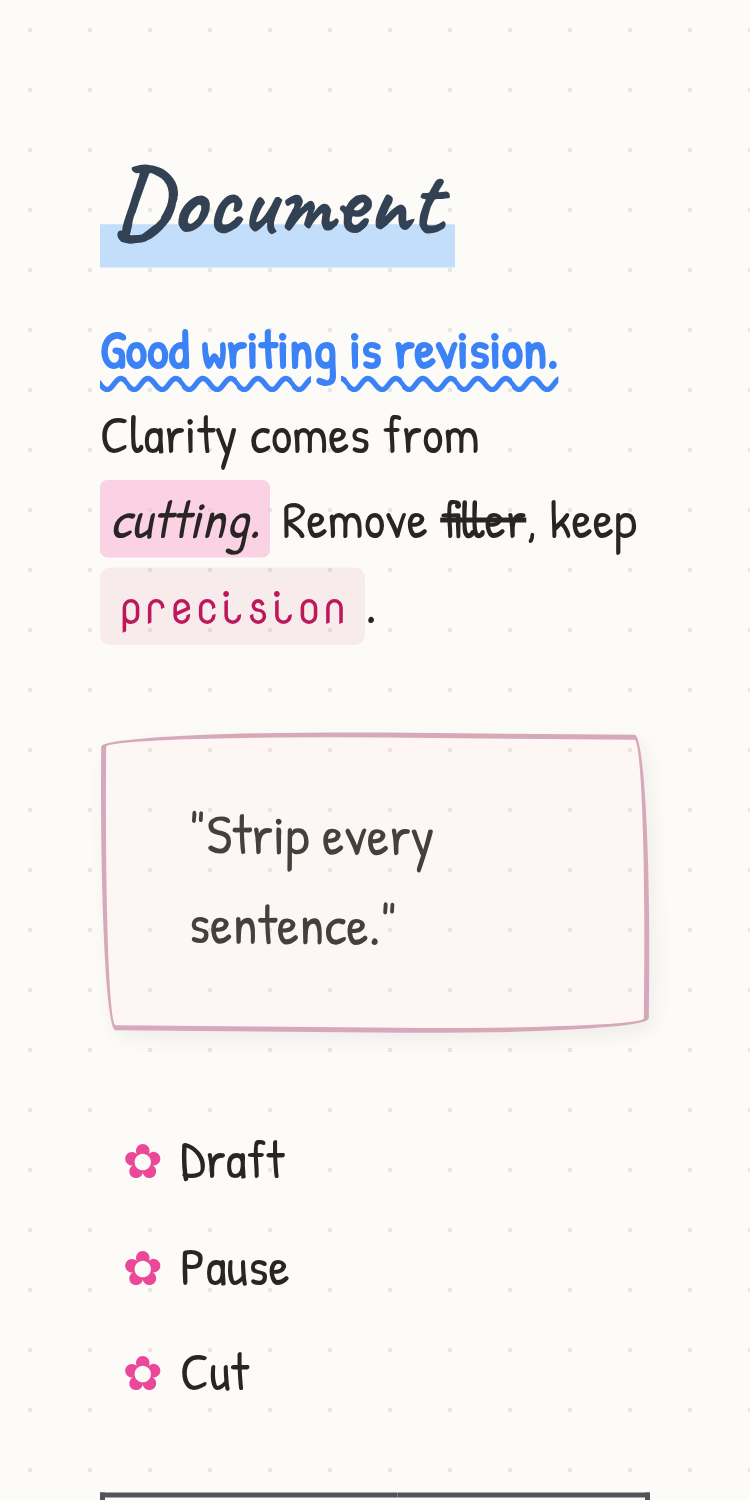
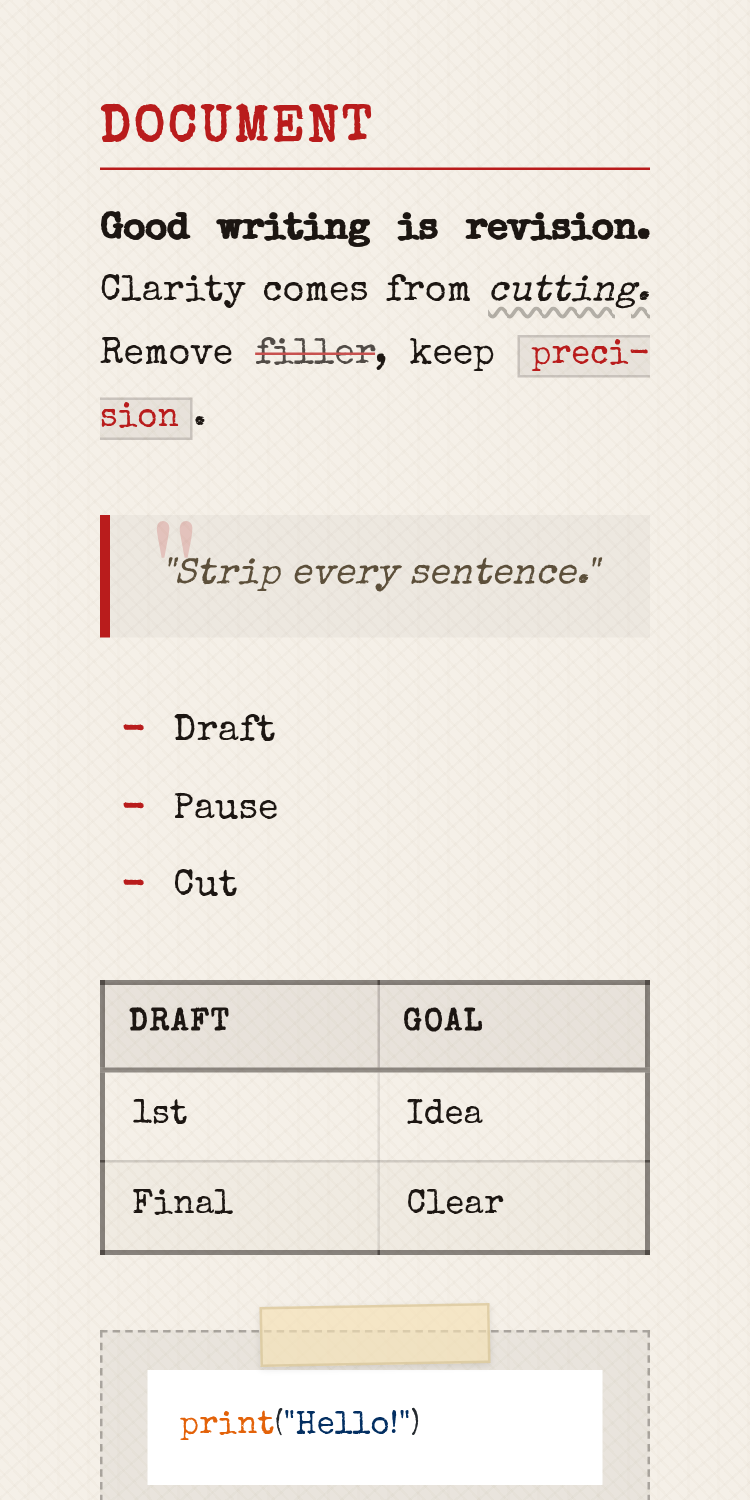
Export in a theme that fits the occasion. Clarity for professional reports. Study Notes for exam prep. Typewriter for when you want your words to feel like they mean something. Same content. Completely different presence.
Output styles
Pick a look that fits the moment.


What it does
One tool. Any input format. Any output style.
From raw scan to polished PDF in seconds.
OCR accuracy
transcription accuracy
Visuals
Images stay
in place.
Input
Write in
Markdown.
Structure
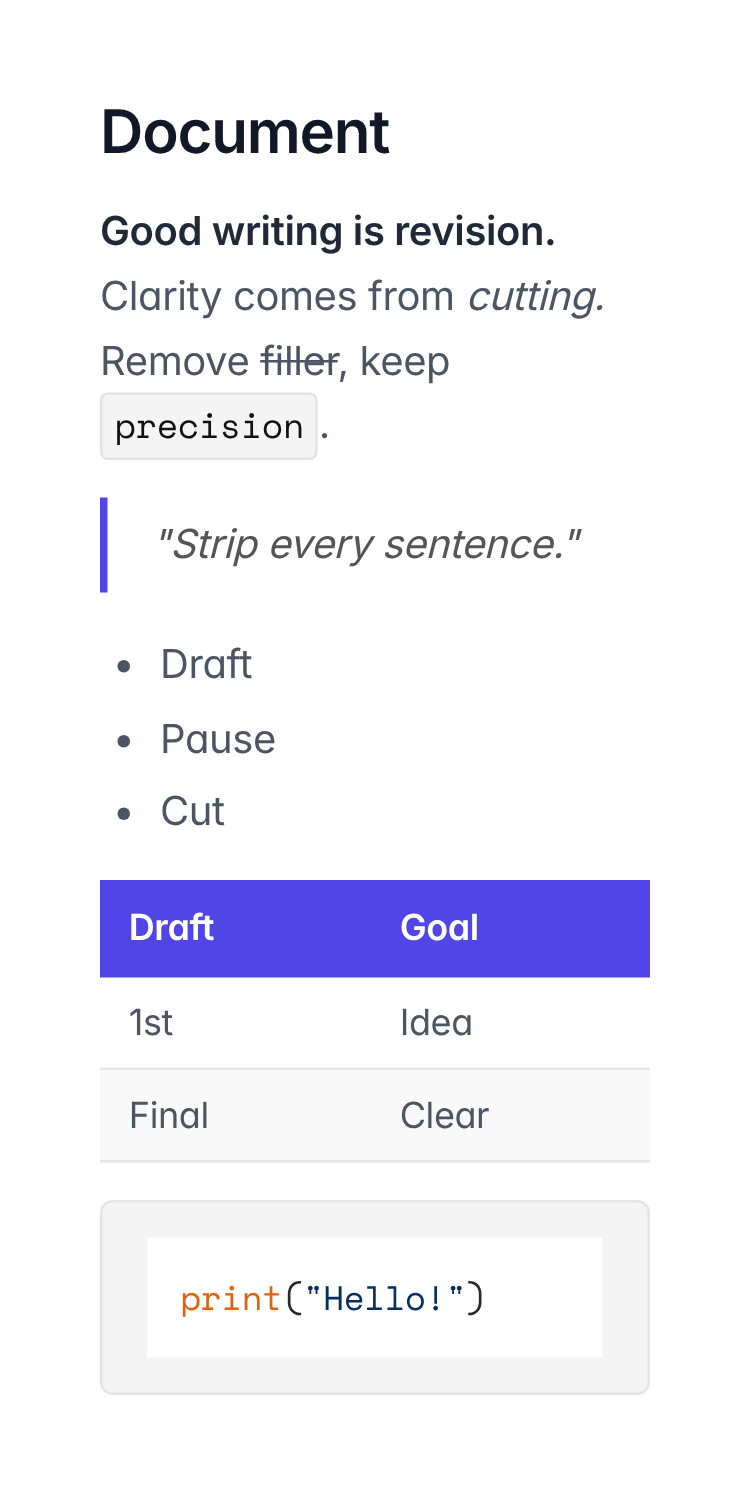
Tables. Lists. Headings.
All faithfully rendered.
Output
Any theme.
One click.
Same document. Completely different presence.
AI Presets
Tuned for your
use case.
Pricing
Start free. Scale only when you need to.
No paywalls on core features.
Free plan
Get started at no cost
Pro plan
For serious use
Lumidoc accepts PDF, DOCX (Microsoft Word), and PPTX (Microsoft PowerPoint) files. This includes scanned documents, handwritten notes, and dense slide decks. Our AI-powered OCR handles all of them.
Lumidoc uses high-accuracy OCR combined with AI to extract all text, tables, images, and formatting from your documents. You can optionally apply AI presets (like "Optimized for Studying" or "Key Points Only") to reshape the content before rendering.
AI presets let you choose how the content is reshaped before export. "Optimized for Studying" highlights key terms, "Key Points Only" distills the essence, and "AI Cleanup" fixes grammar and formatting.
We currently offer Clarity, Meridian, Study Notes, Typewriter, Rose Pine, and more. Themes control the entire visual language of your exported PDF: typography, spacing, color palette, and layout.
Yes. Your documents are processed securely and never shared with third parties. We do not use your content to train any models. You can delete your documents at any time from your dashboard.
No passwords to remember. We support Magic Link (click a link in your email and you're instantly in) and Google OAuth for a one-click sign-in experience. Both are secure and instant.
The Free plan gives you 100 credits per month and access to core themes. Pro gives you 9,000 credits per month, all premium themes, AI presets, and priority processing.
Absolutely. There's no lock-in. Cancel from your account settings at any time and you'll retain Pro access until the end of your billing period.
Absolutely. Every theme exports as a high-quality PDF. Just choose your theme and click Download.
Head to our Support & Contact page; we are happy to help. You can also try re-uploading with a different preset or a cleaner scan for best results.
Didn't find what you were looking for?
Visit Support & Contact →Turn chaotic PDFs, DOCX files, and presentations into clean, beautiful documents you are proud to share, in seconds.